How do I apply for multiple children?
When you first register for a Dual Enrollment profile, you will be asked to add your student's state ID number and their birthdate. This will begin the submission process for your first student.
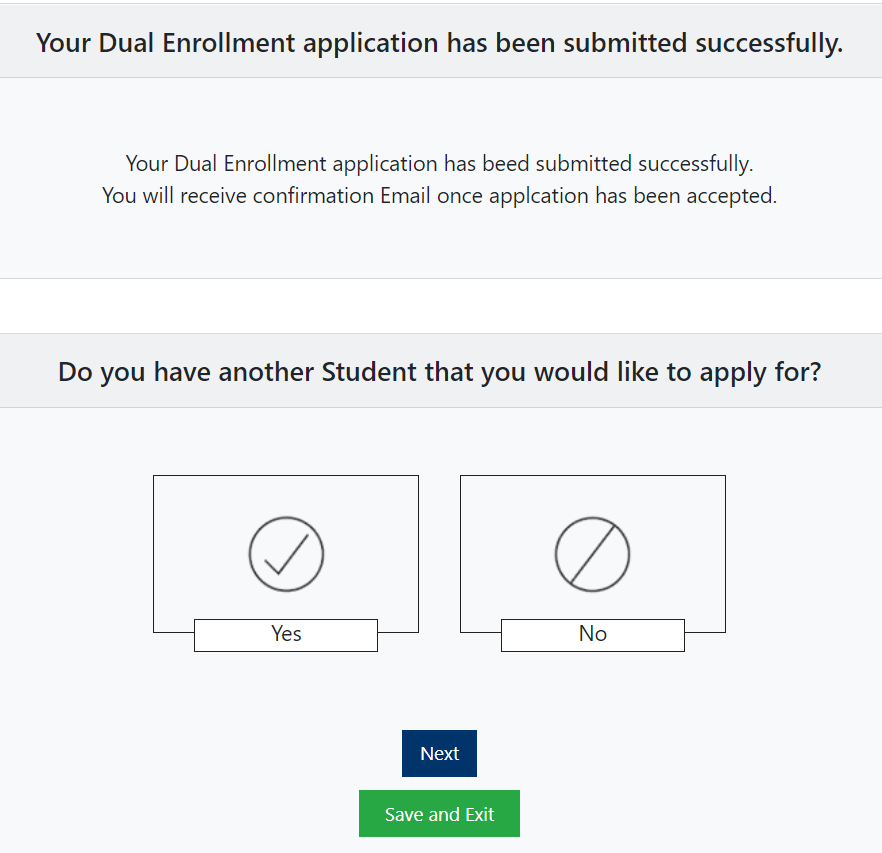
At the end of the submission process you will be asked if you have another student that you would like to apply for. If so, then you will select Yes and Next, and you will be taken back to the beginning of the process and prompted to enter your next student's state ID and birthdate.
If you have already registered and completed a submission for one student and would like to add another student to your profile, then follow these steps:
- Login to your account
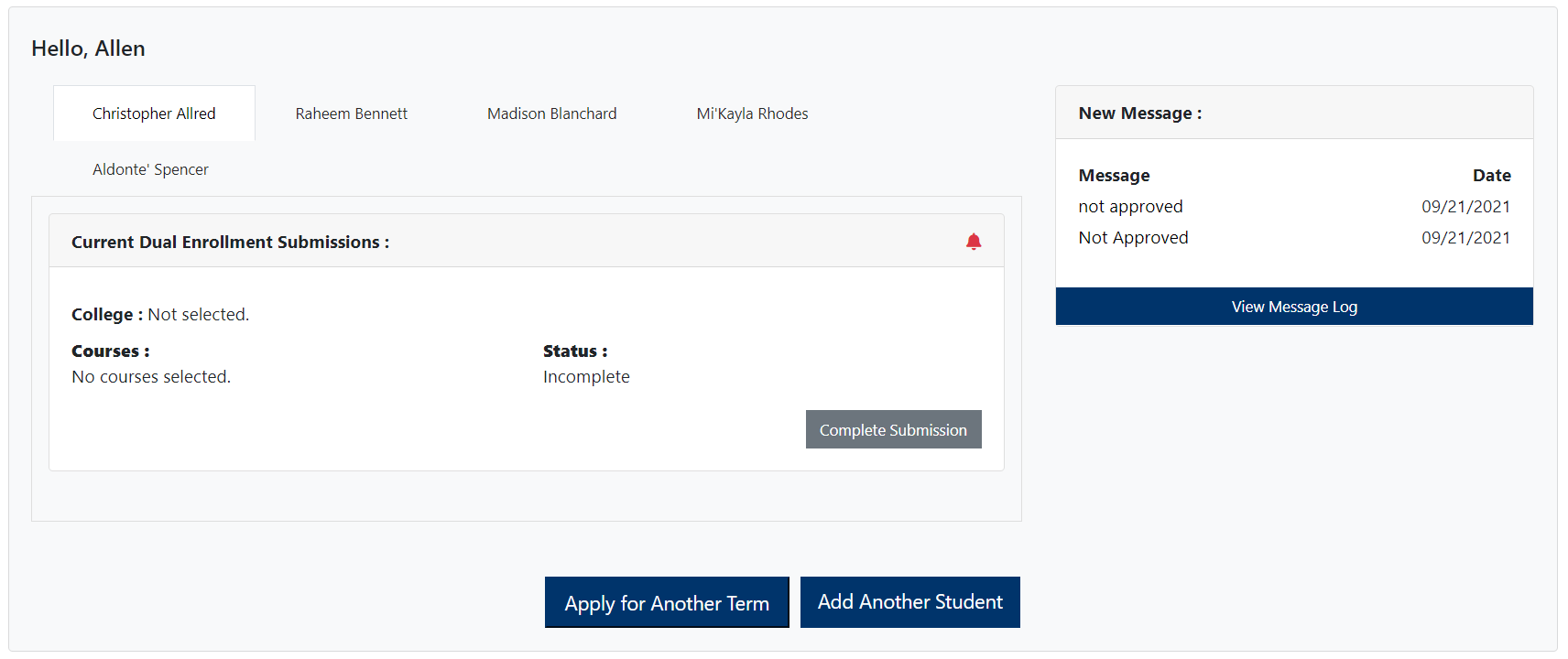
- Click on "Add Another Student" at the bottom of your account (see below)
- This will take you to the beginning of the submission process where you will enter the student's state ID and birthdate to get started
If your student can't be found by entering their state ID and birthdate, then contact your school counselor for assistance.
Related Articles
How do I know if my submission has been accepted?
Sign into Dual Enrollment. If you have multiple children, the click on the child's tab you are wanting to check the submission status of. The Status will show Approved if your submission has been accepted. If you need to edit your submission, contact ...